Comparison guide

Large tablets that can replace some laptop work — 4-product guide

Large tablets that can replace some laptop work. We compare iPad Pro 13 (M4), iPad Air 13 (M2), Galaxy Tab S10 Ultra, Galaxy Tab S9 FE+ across category-specific scores, representative specifications, real product imagery, tradeoffs, and purchase-link availability.

Published: 2026-07-14 · Updated: 2026-07-14

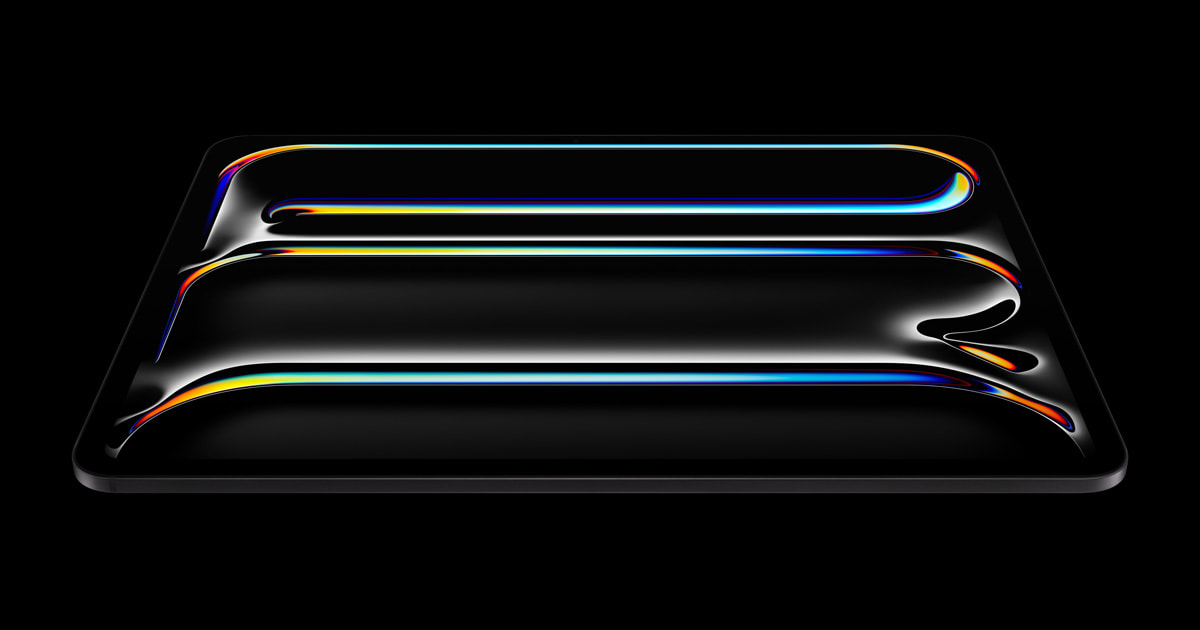
iPad Pro 11-inch and 13-inch with M4 official product lineup

Editorial comparison · Tablets

iPad Pro 13 (M4) has the highest 6-dimension category average in this set, but the right choice depends on large tablets that can replace some laptop work. Start with the three usage signals below before reading the scores.

  1. app workflow and multitasking limits
  2. display size versus carrying weight
  3. keyboard, pen, storage, and accessory cost

This guide compares four real catalog products under one category-specific scoring model. It is built to narrow a purchase decision, not to turn one average into an absolute ranking. desktop-app replacement limits, multitasking constraints, accessory weight, pen latency, and app support can change the result for an individual buyer, so the score and representative specification tables must be read together.

Decision map at a glance

Tablets: category-specific decision scores for 4 products
ProductPerformanceDisplayBatteryPen and keyboardPortabilityValue
iPad Pro 13 (M4)96.098.088.095.084.070.0
iPad Air 13 (M2)88.086.086.088.080.082.0
Galaxy Tab S10 Ultra90.096.088.094.060.072.0
Galaxy Tab S9 FE+74.082.088.088.070.084.0

The scores are relative indicators within this category. A one-point gap is less important than whether the winning dimension is used for hours every day. When products are tied or close, compare multitasking behavior, pen latency, keyboard quality, external displays, and desktop-class app support.

Representative specifications

Tablets: representative configuration specifications
ProductYearChipMemoryStorageDisplayRefreshBatteryWeight
iPad Pro 13 (M4)2024Apple M48 GB256 GB13 in120 Hz10290 mAh579 g
iPad Air 13 (M2)2024Apple M28 GB256 GB12.9 in60 Hz9705 mAh617 g
Galaxy Tab S10 Ultra2024MediaTek Dimensity 9300+12 GB256 GB14.6 in120 Hz11200 mAh718 g
Galaxy Tab S9 FE+2023Exynos 13808 GB128 GB12.4 in90 Hz10090 mAh627 g

The table uses the first active representative variant stored for each product. Before checkout, match chip, memory, storage, screen size and refresh rate, weight, and pen or keyboard support against the merchant listing. A similarly named accessory, imported configuration, or sibling model is not interchangeable.

What each product is best at

  • iPad Pro 13 (M4)The thinnest iPad ever — a tandem OLED screen and M4 chip handle laptop-class work. Its 6-dimension category average is 88.5, so read the leading dimension together with the weakest one.
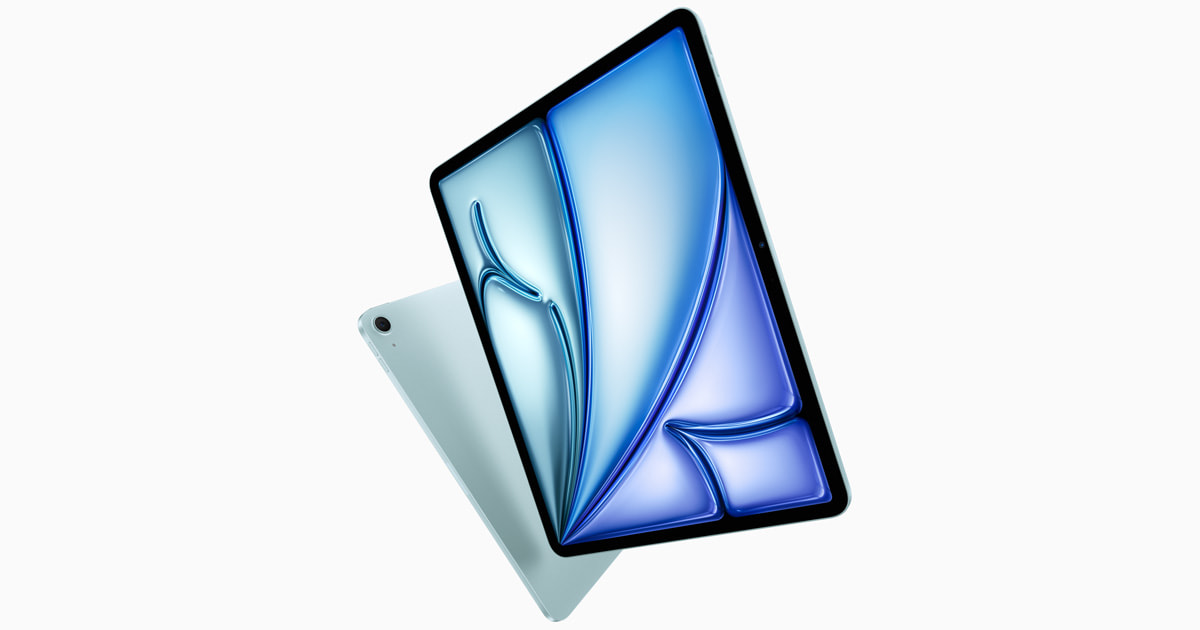
  • iPad Air 13 (M2)The first big-screen Air — M2 power and great value, perfect for content and light work. Its 6-dimension category average is 85.0, so read the leading dimension together with the weakest one.
  • Galaxy Tab S10 UltraThe peak Android tablet — a 14.6-inch AMOLED, an S Pen in the box, and Galaxy AI. Its 6-dimension category average is 83.3, so read the leading dimension together with the weakest one.
  • Galaxy Tab S9 FE+A value tablet with waterproofing and an S Pen — a 12.4-inch screen at a sensible price. Its 6-dimension category average is 81.0, so read the leading dimension together with the weakest one.

How to choose for this use case

First, write down the situation that consumes the most uninterrupted time. Second, remove any product that fails required apps, multitasking, pen and keyboard, storage, and carry weight. Third, compare the final two by the daily compromise shown in the weakest score and by the cost of keyboard, pen, case, charger, storage upgrade, and app subscriptions. This order prevents an attractive headline specification from hiding a daily inconvenience.

01app workflow and multitasking limits

Verify this with the exact configuration and your normal day, not only the launch specification.

02display size versus carrying weight

Verify this with the exact configuration and your normal day, not only the launch specification.

03keyboard, pen, storage, and accessory cost

Verify this with the exact configuration and your normal day, not only the launch specification.

Purchase-link availability

There is no purchase link for this set right now. A link appears only when the product name and selling options can be checked on the merchant page.

Final checkout checklist

  1. Confirm the exact model and chip, memory, storage, screen size and refresh rate, weight, and pen or keyboard support.
  2. Compare warranty, repair access, return terms, and import status.
  3. Add the cost of keyboard, pen, case, charger, storage upgrade, and app subscriptions.
  4. Open the merchant page immediately before payment and recheck seller and total price.
  5. If the top two products are close, choose the one that removes a concrete daily problem.

Image and data provenance

Images in this guide are remote manufacturer or verified catalog assets; manufacturer images link back to the official source page in their captions. Specifications and scores come from the structured compare catalog. Images are not AI-generated, and a purchase link is omitted when the product name and options cannot be checked from the stored listing.

Related comparison guides