
Comparison guide
Premium wireless mice for office and design work
hand size and grip over a long session · sensor, polling, and wireless response · weight, buttons, battery, and device switching
Published: 2026-05-15 · Updated: 2026-10-02
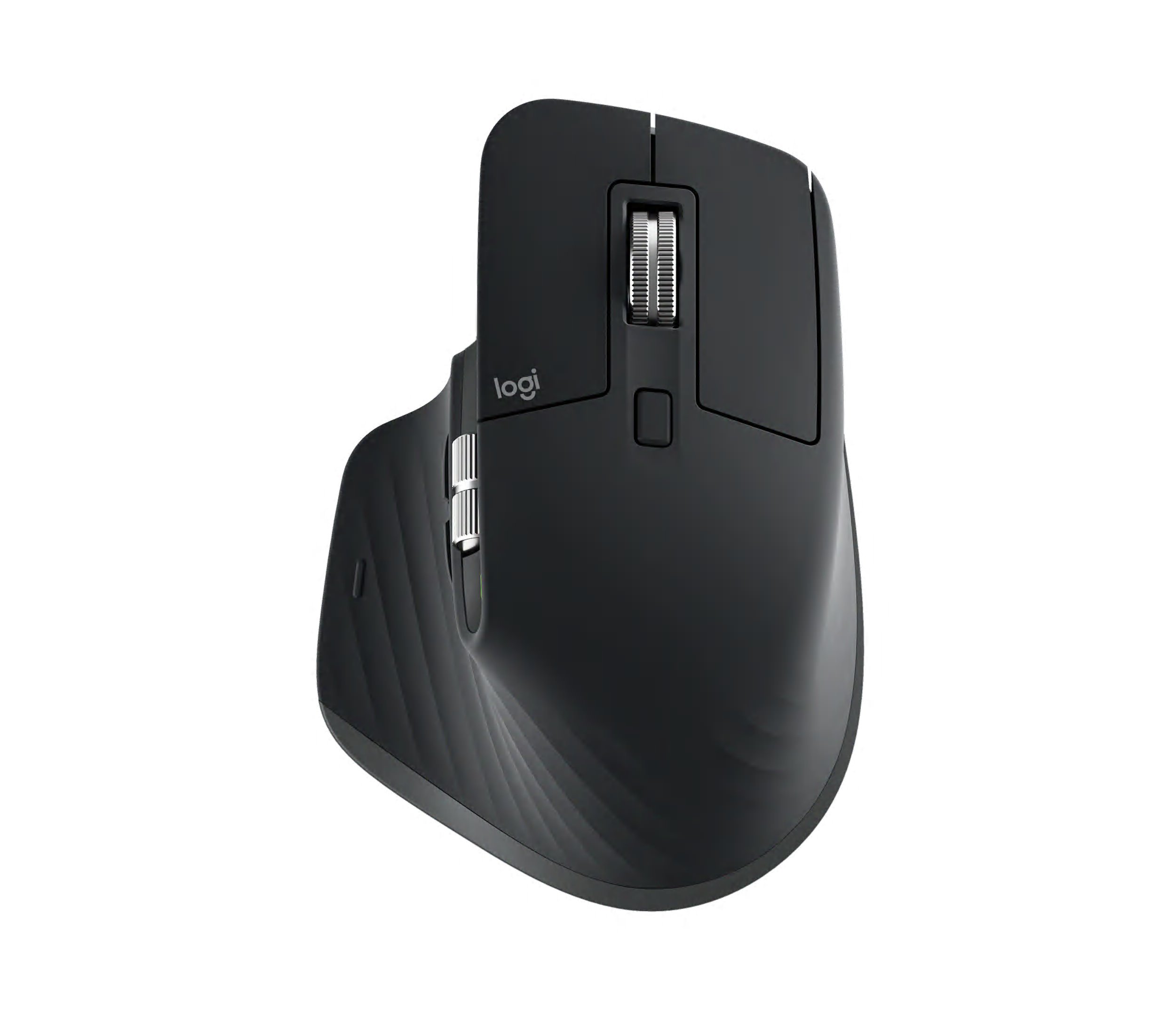
Mice · 4 products
Start with what matters in your day.
- hand size and grip over a long session
- sensor, polling, and wireless response
- weight, buttons, battery, and device switching
Check hand size and grip, wheel and side-button placement, software, and surface tracking before narrowing your choice. Everyday use can also vary with grip habit, perspiration, pad surface, firmware, and wireless interference.

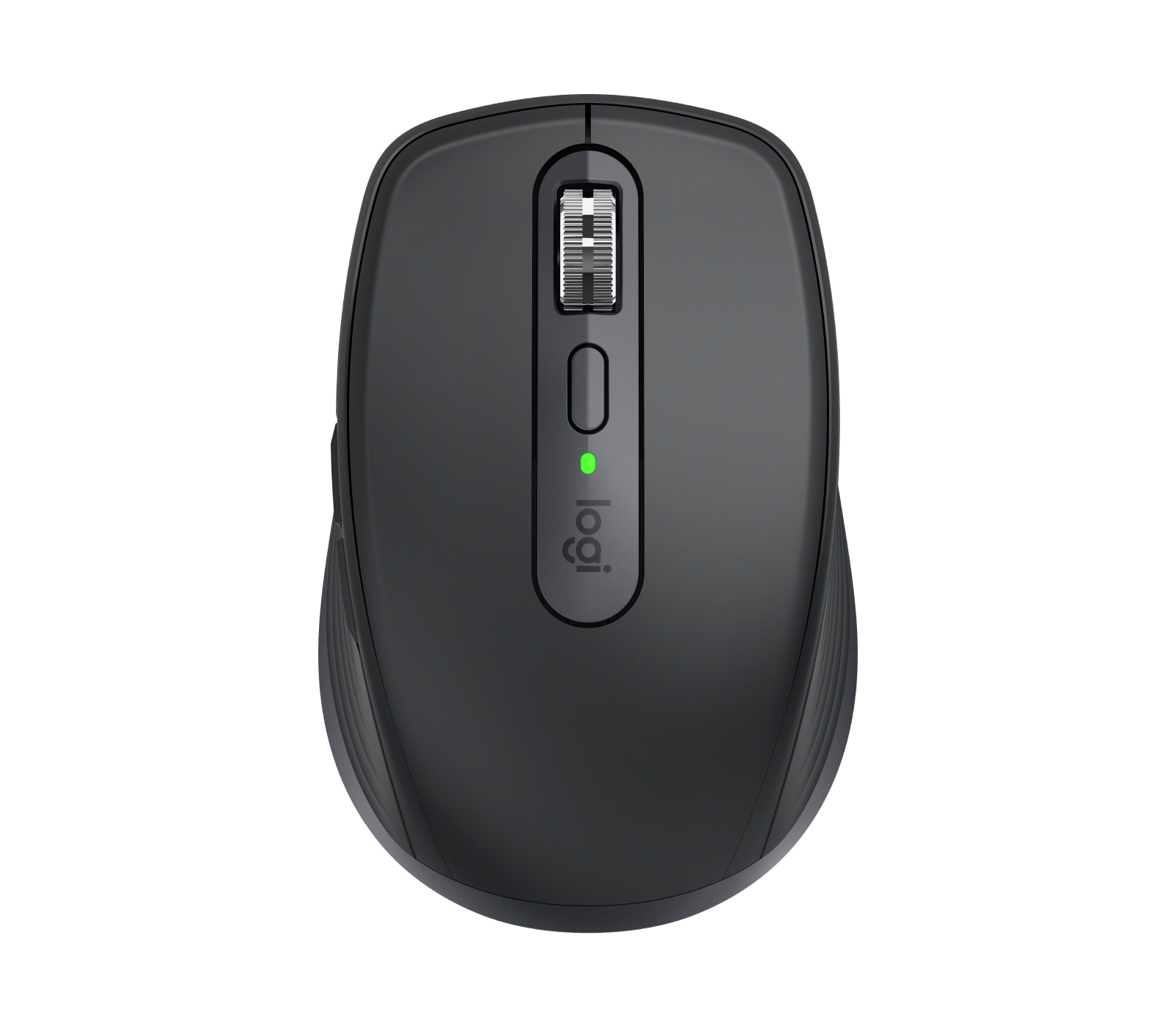

Specifications side by side
| Product | Year | Sensor | Max DPI | Polling | Weight | Buttons | Battery | Charging |
|---|---|---|---|---|---|---|---|---|
| Logitech MX Master 3S | 2022 | Darkfield high precision | 8000 | 125 Hz | 141 g | 7 | 1680 h | USB-C; 1 minute for about 3 hours |
| Razer DeathAdder V3 Pro | 2022 | Focus Pro 30K Optical | 30000 | 8000 Hz | 63 g | 6 | 90 h | USB-C Speedflex cable |
| Logitech MX Anywhere 3S | 2023 | Darkfield high precision | 8000 | 125 Hz | 99 g | 6 | 1680 h | USB-C; 1 minute for about 3 hours |
| Apple Magic Mouse (USB-C) | 2024 | Optical sensor with Multi-Touch surface | 0 | 0 Hz | 99 g | 1 | 720 h | USB-C underside port |
Match sensor, maximum DPI, polling rate, weight, buttons, connection, and charging to the model you plan to buy. Accessories, imported configurations, and similarly named models can differ.
Which product fits your needs?
- Logitech MX Master 3SThe right-handed productivity standard with an 8K sensor, quiet clicks, MagSpeed, and a thumb wheel.
- Razer DeathAdder V3 ProA 63g right-handed ergonomic mouse with Focus Pro 30K tracking and up to 90 hours of battery.
- Logitech MX Anywhere 3SAn 8K glass-tracking sensor and MagSpeed wheel in a portable 99g body.
- Apple Magic Mouse (USB-C)A Mac mouse with a Multi-Touch gesture surface for scrolling and navigation plus month-long battery life.
Narrow your shortlist
- Choose the task you do most often.
- Keep the products that meet handed shape, hand size, weight, required buttons, and device count.
- Compare the remaining two by the inconvenience each would remove.
Costs beyond the product
Allow for mouse pad, dedicated receiver, charging cable or dock, and grip tape.
Where to buy
No purchase link is connected for these products.
Before checkout
- Match the exact model and configuration.
- Check warranty, repair access, returns, and import status.
- Include the accessories and ongoing costs you need.
- Recheck the seller and final price before paying.
- Choose the product that solves the daily problem you identified.
Specification and photo sources
Confirm the exact model and regional configuration on the manufacturer's page. Each caption links to product information or the original photo source.