
Comparison guide
Four flagship Android tablets compared
app workflow and multitasking limits · display size versus carrying weight · keyboard, pen, storage, and accessory cost
Published: 2026-05-13 · Updated: 2026-10-02

Tablets · 4 products
Start with what matters in your day.
- app workflow and multitasking limits
- display size versus carrying weight
- keyboard, pen, storage, and accessory cost
Check multitasking behavior, pen latency, keyboard quality, external displays, and desktop-class app support before narrowing your choice. Everyday use can also vary with desktop-app replacement limits, multitasking constraints, accessory weight, pen latency, and app support.
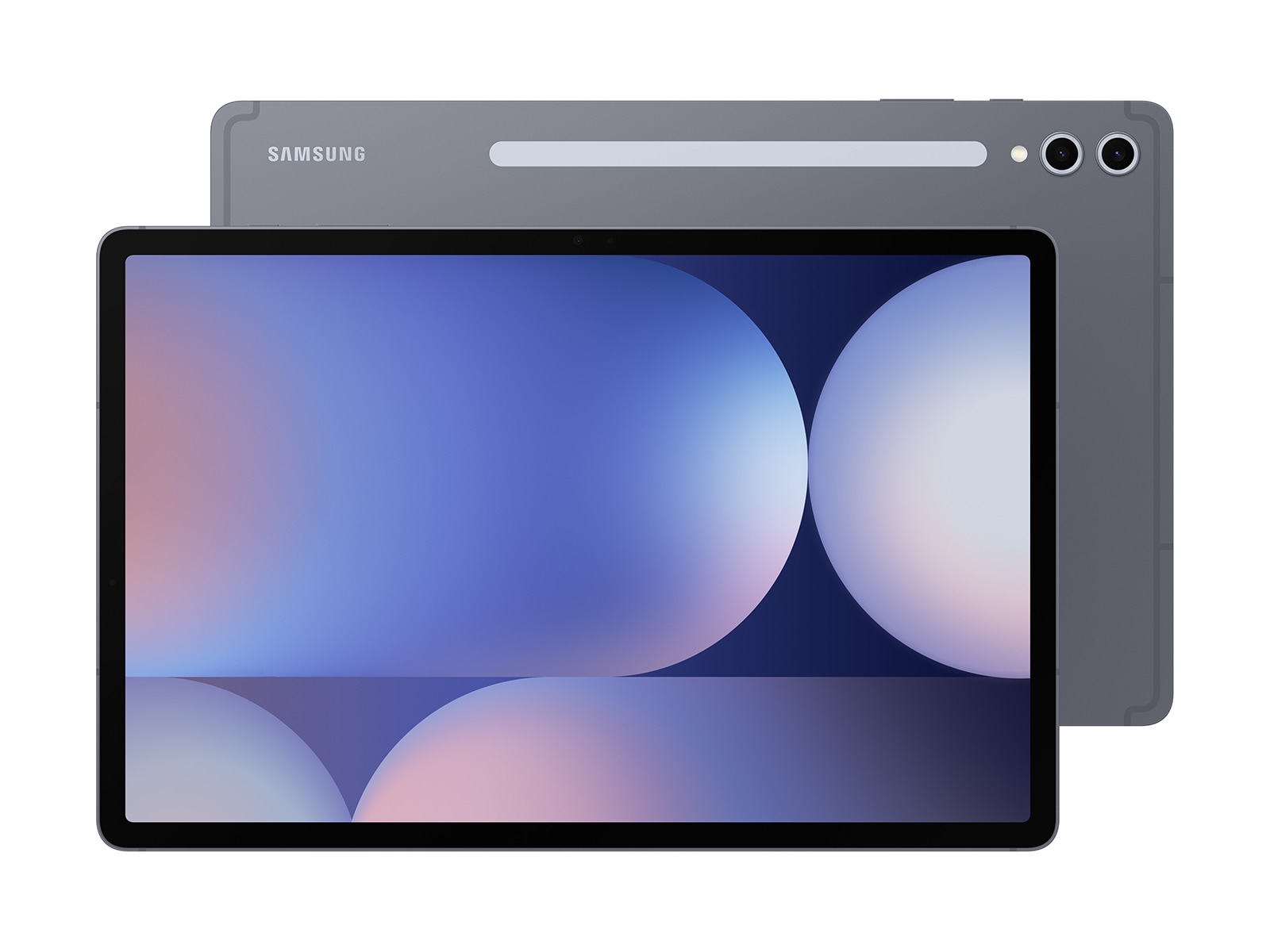
Specifications side by side
| Product | Year | Chip | Memory | Storage | Display | Refresh | Battery | Weight |
|---|---|---|---|---|---|---|---|---|
| Galaxy Tab S10 Ultra | 2024 | MediaTek Dimensity 9300+ | 12 GB | 256 GB | 14.6 in | 120 Hz | 11200 mAh | 718 g |
| Galaxy Tab S10+ | 2024 | MediaTek Dimensity 9300+ | 12 GB | 256 GB | 12.4 in | 120 Hz | 10090 mAh | 571 g |
| Xiaomi Pad 6S Pro 12.4 | 2024 | Snapdragon 8 Gen 2 | 8 GB | 256 GB | 12.4 in | 144 Hz | 10000 mAh | 590 g |
| Xiaomi Pad 7 Pro | 2024 | Snapdragon 8s Gen 3 | 12 GB | 256 GB | 11.2 in | 144 Hz | 8850 mAh | 500 g |
Match chip, memory, storage, screen size and refresh rate, weight, and pen or keyboard support to the model you plan to buy. Accessories, imported configurations, and similarly named models can differ.
Which product fits your needs?
- Galaxy Tab S10 UltraAn Android tablet with a 14.6-inch AMOLED, an S Pen in the box, and Galaxy AI.
- Galaxy Tab S10+A 12.4-inch AMOLED balance — the S Pen and AI in a right-sized body when Ultra is too much.
- Xiaomi Pad 6S Pro 12.4A large-screen tablet with a 3K 144Hz display, 120W charging, and a Snapdragon 8 Gen 2.
- Xiaomi Pad 7 ProAn 11.2-inch 3.2K 144Hz screen and Snapdragon 8s Gen 3 — the value flagship tablet, refreshed.
Narrow your shortlist
- Choose the task you do most often.
- Keep the products that meet required apps, multitasking, pen and keyboard, storage, and carry weight.
- Compare the remaining two by the inconvenience each would remove.
Costs beyond the product
Allow for keyboard, pen, case, charger, storage upgrade, and app subscriptions.
Where to buy
No purchase link is connected for these products.
Before checkout
- Match the exact model and configuration.
- Check warranty, repair access, returns, and import status.
- Include the accessories and ongoing costs you need.
- Recheck the seller and final price before paying.
- Choose the product that solves the daily problem you identified.
Specification and photo sources
Confirm the exact model and regional configuration on the manufacturer's page. Each caption links to product information or the original photo source.