
Comparison guide
Three low-latency gaming keyboards against an office baseline
layout and key feel over a full workday · latency, switching, and OS key mapping · noise, desk width, and long-term replaceability
Published: 2026-05-15 · Updated: 2026-10-02

Keyboards · 4 products
Start with what matters in your day.
- layout and key feel over a full workday
- latency, switching, and OS key mapping
- noise, desk width, and long-term replaceability
Check layout adaptation, key weight and noise, OS key mapping, and device switching before narrowing your choice. Everyday use can also vary with hand size, key-force preference, desk height, firmware, and regional layout.

Specifications side by side
| Product | Year | Layout | Switch | Hot-swap | Wireless | Battery | Weight | Keycaps |
|---|---|---|---|---|---|---|---|---|
| Razer BlackWidow V4 75% | 2023 | 75% with function row and arrows | Razer Orange tactile mechanical | Yes, 3/5-pin | None (USB-C wired) | 0 h | 815 g | Doubleshot ABS |
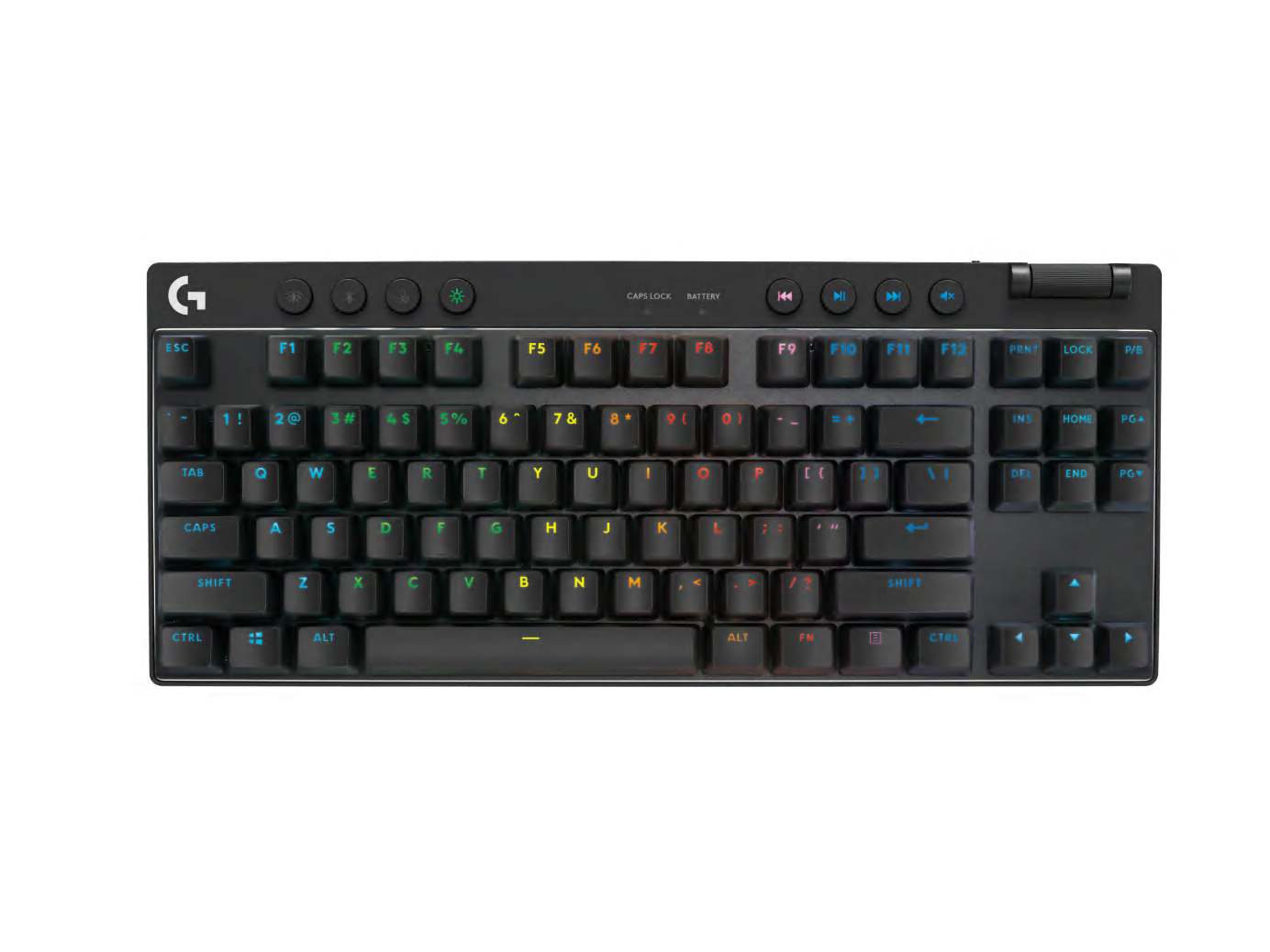
| Logitech G PRO X TKL LIGHTSPEED | 2023 | Tenkeyless 87-key | GX Brown tactile mechanical | No | LIGHTSPEED, Bluetooth, wired | 50 h | 1012 g | Dual-shot PBT |
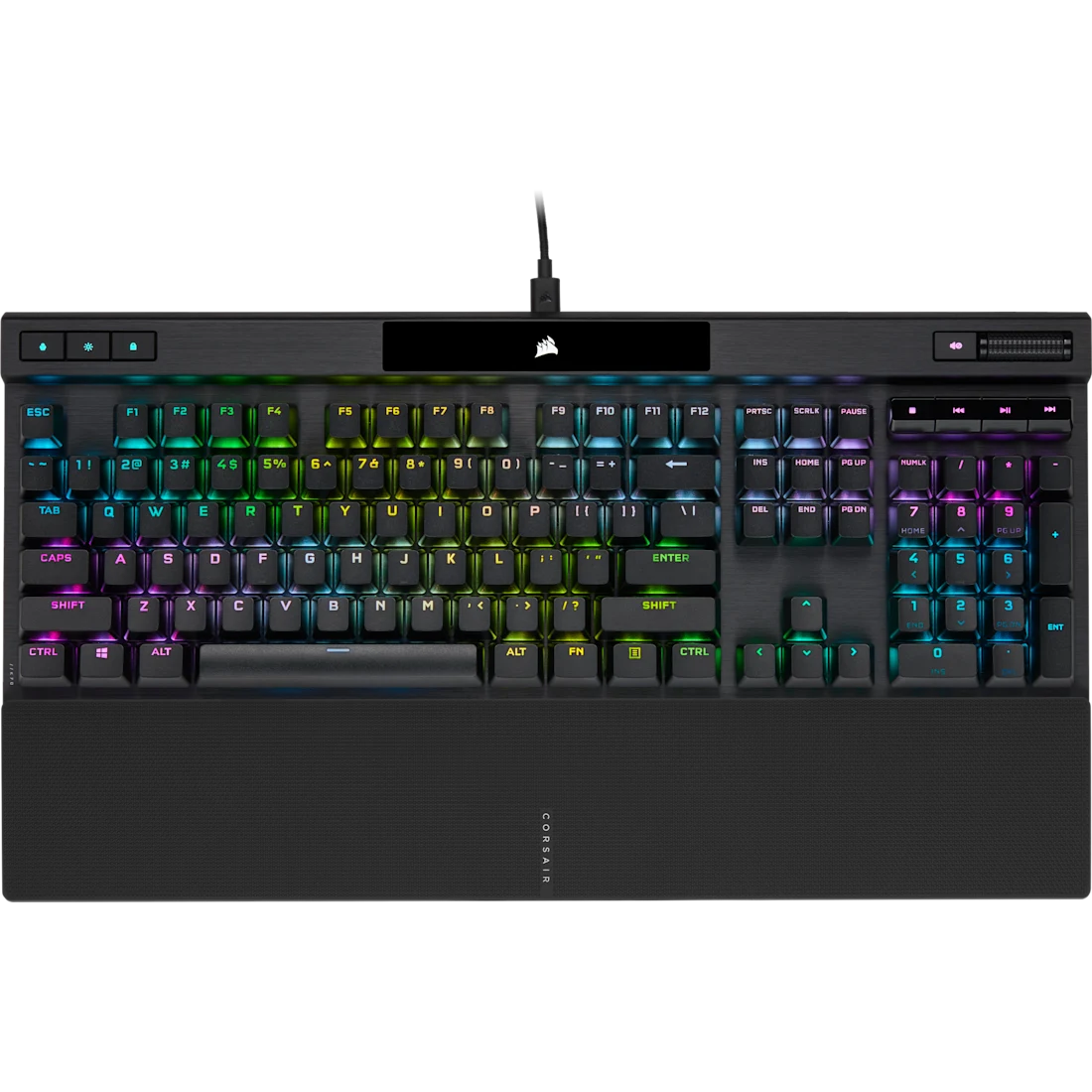
| Corsair K70 RGB PRO | 2022 | Full-size 104-key | Cherry MX Red linear mechanical | No | None (USB-C wired) | 0 h | 1150 g | Doubleshot PBT |
| Logitech MX Keys S | 2023 | Full-size 108-key Korean | Perfect Stroke scissor | No | Bluetooth LE, Logi Bolt (3 devices) | 240 h | 810 g | Low-profile ABS |
Match language legends, layout, switches, connection mode, color, bundle, and warranty to the model you plan to buy. Accessories, imported configurations, and similarly named models can differ.
Which product fits your needs?
- Razer BlackWidow V4 75%A wired 75% keyboard with hot-swap sockets, gasket mounting, 8,000Hz polling, and a wrist rest.
- Logitech G PRO X TKL LIGHTSPEEDA tournament TKL with LIGHTSPEED, Bluetooth, wired connectivity, and PBT keycaps.
- Corsair K70 RGB PROA full-size gaming keyboard with an aluminum frame, 8,000Hz polling, PBT keycaps, and dedicated media controls.
- Logitech MX Keys SA benchmark productivity keyboard with finger-shaped low-profile keys, smart backlighting, and three-device switching.
Narrow your shortlist
- Choose the task you do most often.
- Keep the products that meet required layout, device count, wired or wireless mode, noise, and desk width.
- Compare the remaining two by the inconvenience each would remove.
Costs beyond the product
Allow for wrist rest, replacement keycaps or switches, receiver, and cable.
Where to buy
No purchase link is connected for these products.
Before checkout
- Match the exact model and configuration.
- Check warranty, repair access, returns, and import status.
- Include the accessories and ongoing costs you need.
- Recheck the seller and final price before paying.
- Choose the product that solves the daily problem you identified.
Specification and photo sources
Confirm the exact model and regional configuration on the manufacturer's page. Each caption links to product information or the original photo source.