
Comparison guide
Creator monitors that prioritize color accuracy
panel, resolution, and refresh rate · ports, power delivery, and KVM workflow · desk depth, text clarity, and warranty coverage
Published: 2026-05-14 · Updated: 2026-10-02
Monitors · 4 products
Start with what matters in your day.
- panel, resolution, and refresh rate
- ports, power delivery, and KVM workflow
- desk depth, text clarity, and warranty coverage
Check desk depth, text clarity, inputs, and power delivery before narrowing your choice. Everyday use can also vary with panel variance, real HDR brightness, operating-system scaling, and viewing distance.
If your shortlist includes an OLED model, check its burn-in warranty coverage too.
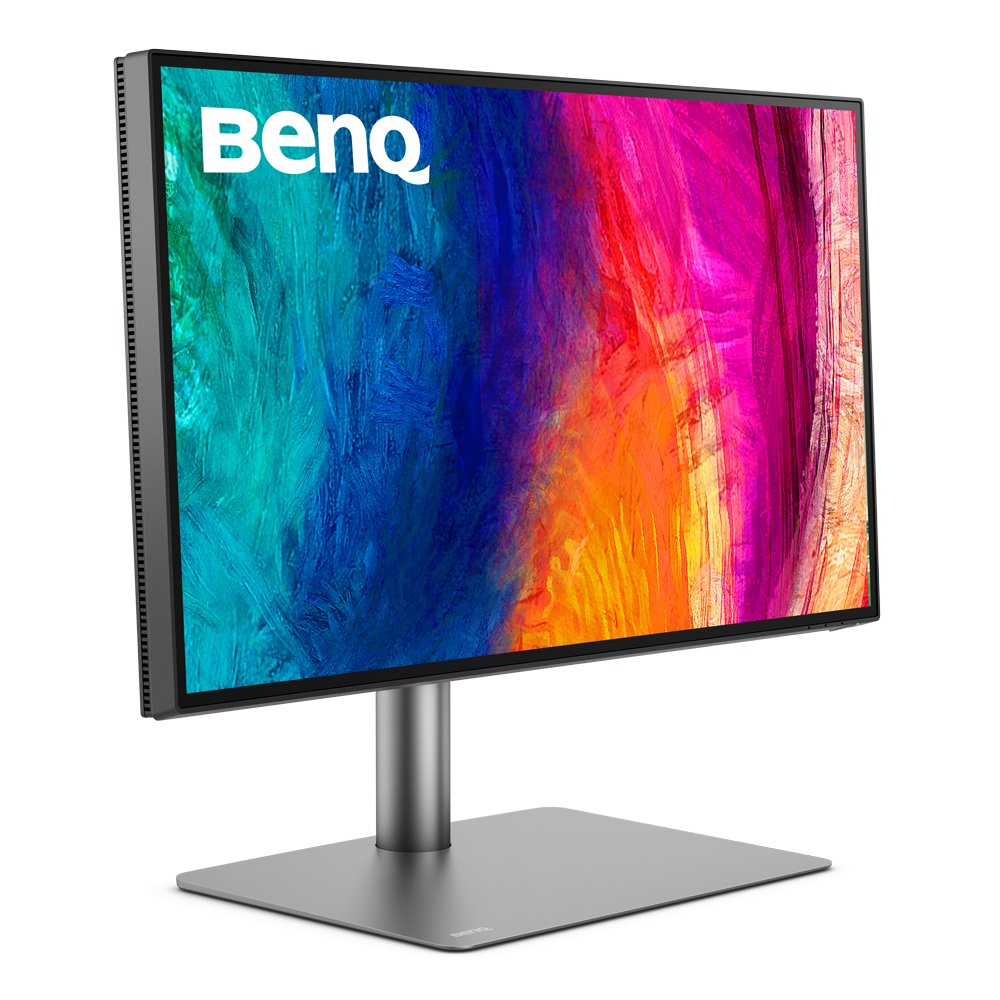

Specifications side by side
| Product | Year | Size | Panel | Resolution | Refresh | Response | Peak brightness | Connectivity |
|---|---|---|---|---|---|---|---|---|
| ASUS ProArt PA32UCXR | 2024 | 32 in | mini-LED IPS (2304 zones) | 3840x2160 (4K UHD) | 60 Hz | 5 ms | 1600 nit | 2x HDMI 2.1, DP 1.4, USB-C 96W, Thunderbolt 4, USB hub |
| BenQ PD2725U | 2021 | 27 in | IPS | 3840x2160 (4K UHD) | 60 Hz | 5 ms | 400 nit | 2x HDMI 2.0, DP 1.4, 2x Thunderbolt 3 65W daisy-chain, USB-C |
| Dell UltraSharp U2725QE | 2025 | 27 in | IPS Black | 3840x2160 (4K UHD) | 120 Hz | 5 ms | 450 nit | HDMI 2.1, DP 1.4, USB-C 140W, Thunderbolt 4 daisy-chain, RJ45 |
| ASUS ProArt PA279CV | 2021 | 27 in | IPS | 3840x2160 (4K UHD) | 60 Hz | 5 ms | 400 nit | 2x HDMI 2.0, DP 1.4, USB-C 65W, USB 3.1 hub |
Match screen size, panel, resolution, refresh rate, brightness, color gamut, and inputs to the model you plan to buy. Accessories, imported configurations, and similarly named models can differ.
Which product fits your needs?
- ASUS ProArt PA32UCXRA reference-grade 32-inch 4K mini-LED — 1200-nit HDR and precise color, even for mastering work.
- BenQ PD2725UA 27-inch 4K for designers — Thunderbolt 3 daisy-chaining and accurate color pair well with a Mac.
- Dell UltraSharp U2725QEA 27-inch 4K IPS for office and work — a 140W USB-C hub and accurate color tidy up your desk.
- ASUS ProArt PA279CVA factory-calibrated 27-inch 4K monitor for entry-level photo and video editing.
Narrow your shortlist
- Choose the task you do most often.
- Keep the products that meet desk space, resolution and scaling, refresh rate, inputs, and USB-C power delivery.
- Compare the remaining two by the inconvenience each would remove.
Costs beyond the product
Allow for monitor arm, cables, dock, calibrator, and extended warranty.
Where to buy
No purchase link is connected for these products.
Before checkout
- Match the exact model and configuration.
- Check warranty, repair access, returns, and import status.
- Include the accessories and ongoing costs you need.
- Recheck the seller and final price before paying.
- Choose the product that solves the daily problem you identified.
Specification and photo sources
Confirm the exact model and regional configuration on the manufacturer's page. Each caption links to product information or the original photo source.