
Comparison guide
Business laptops balancing reliability and mobility
sustained performance for the real workload · display, ports, and memory configuration · weight, battery, repair, and warranty
Published: 2026-05-12 · Updated: 2026-10-02
Laptops · 4 products
Start with what matters in your day.
- sustained performance for the real workload
- display, ports, and memory configuration
- weight, battery, repair, and warranty
Check operating system, required ports, sustained heat and noise, repair, and warranty before narrowing your choice. Everyday use can also vary with application optimization, sustained-load heat and noise, battery wear, and panel variance.

Specifications side by side
| Product | Year | Chip | Memory | Storage | Display | Battery | Weight | Connectivity |
|---|---|---|---|---|---|---|---|---|
| ThinkPad X1 Carbon Gen 12 | 2024 | Intel Core Ultra 7 155U | 16 GB | 512 GB | 14 in | 57 Wh | 1.12 kg | 2x Thunderbolt 4, 2x USB-A, HDMI 2.1, Wi-Fi 6E, Bluetooth 5.3 |
| Dell XPS 14 (9440) | 2024 | Intel Core Ultra 7 155H | 16 GB | 512 GB | 14.5 in | 69.5 Wh | 1.69 kg | 3x Thunderbolt 4, microSD, Wi-Fi 7, Bluetooth 5.4 |
| Galaxy Book4 Pro 14 | 2024 | Intel Core Ultra 7 155H | 16 GB | 512 GB | 14 in | 63 Wh | 1.23 kg | 2x Thunderbolt 4, USB-A, HDMI 2.1, microSD, Wi-Fi 6E, Bluetooth 5.3 |
| HP Spectre x360 14 | 2024 | Intel Core Ultra 7 155H | 16 GB | 1024 GB | 14 in | 68 Wh | 1.44 kg | 2x Thunderbolt 4, USB-A, Wi-Fi 6E, Bluetooth 5.3 |
Match CPU and GPU, memory, storage, display, ports, weight, and battery to the model you plan to buy. Accessories, imported configurations, and similarly named models can differ.
Which product fits your needs?
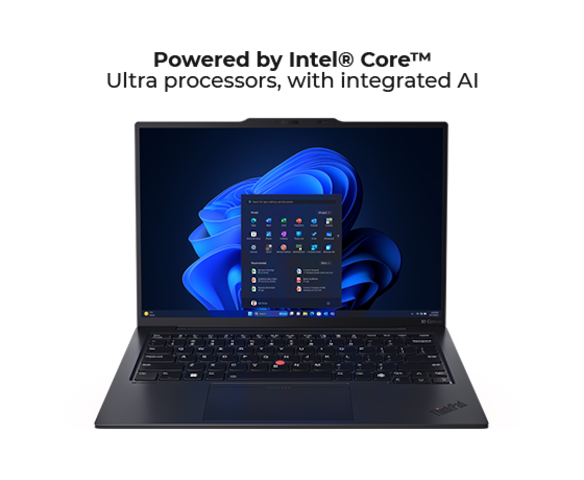
- ThinkPad X1 Carbon Gen 12A business laptop with a light carbon body.
- Dell XPS 14 (9440)The middle ground between 13 and 16-inch — an optional RTX 4050 and OLED balance size and power.
- Galaxy Book4 Pro 14A light Windows OLED ultrabook that pairs with Samsung devices.
- HP Spectre x360 14A gem-cut 2-in-1 — a 360-degree hinge and bright OLED for work and note-taking alike.
Narrow your shortlist
- Choose the task you do most often.
- Keep the products that meet operating system, application compatibility, memory, ports, and carry weight.
- Compare the remaining two by the inconvenience each would remove.
Costs beyond the product
Allow for dock, charger, adapters, external storage, and app licenses.
Where to buy
No purchase link is connected for these products.
Before checkout
- Match the exact model and configuration.
- Check warranty, repair access, returns, and import status.
- Include the accessories and ongoing costs you need.
- Recheck the seller and final price before paying.
- Choose the product that solves the daily problem you identified.
Specification and photo sources
Confirm the exact model and regional configuration on the manufacturer's page. Each caption links to product information or the original photo source.